Your stream.
Stronger together.
Build intelligent Syns that engage audiences, drive product promotion, and unlock new revenue streams across livestreams and digital experiences.
Extend their presence beyond the broadcast with lightweight desktop companions that keep your Syns active and engaging long after the stream ends.
Your stream.
Stronger together.
Build intelligent Syns that engage audiences, drive product promotion, and unlock new revenue streams across livestreams and digital experiences.
Extend their presence beyond the broadcast with lightweight desktop companions that keep your Syns active and engaging long after the stream ends.
Streaming is
more demanding than ever.
What if
you didn't have to
stream alone?
Your AI cohost:
Designed for live.
Syns listen, understands context, and participates naturally across your entire stream.
Responds to chat
Engages your audience in real time.
Understands context
Follows the flow and remembers key details.
Supports your workflow
Helps keep your stream on track.
Your AI cohost:
Designed for live.
Syns listen, understands context, and participates naturally across your entire stream.
Responds to chat
Engages your audience in real time.
Understands context
Follows the flow and remembers key details.
Supports your workflow
Helps keep your stream on track.
Syns adapts to your stream.
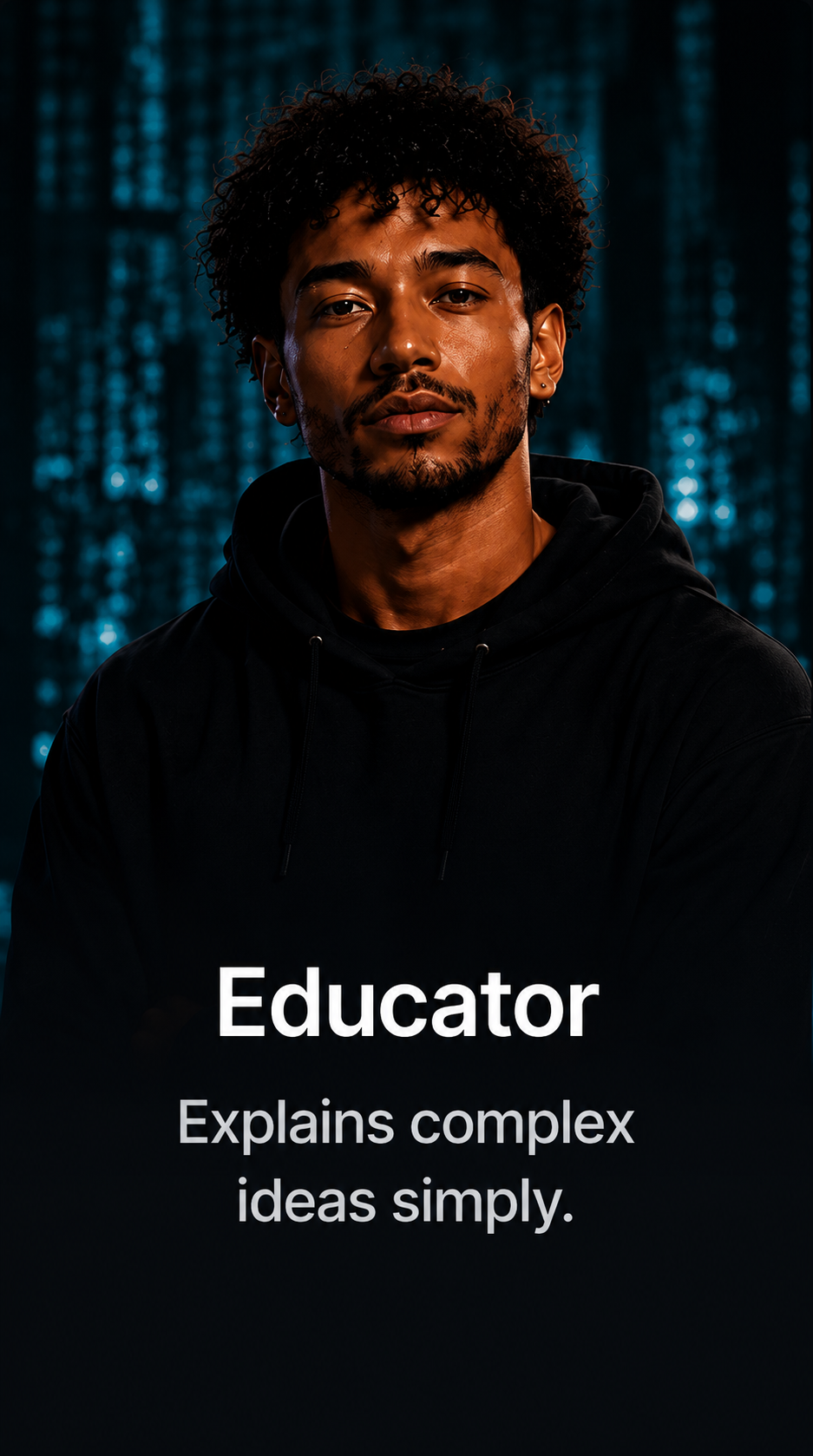
Educator
Explains complex ideas simply.
Educator
Explains complex ideas simply.
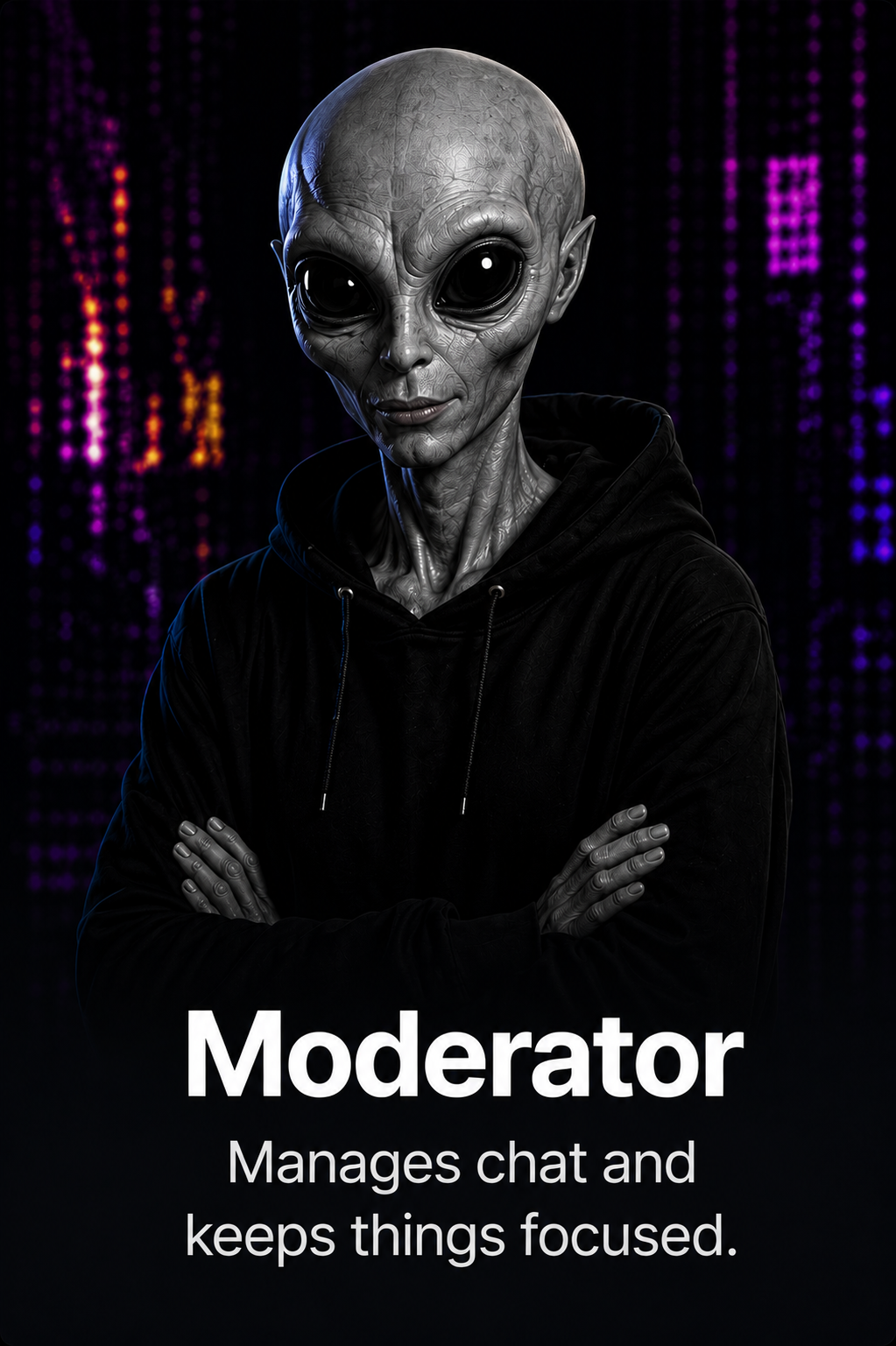
Moderator
Manages chat and keeps things focused.
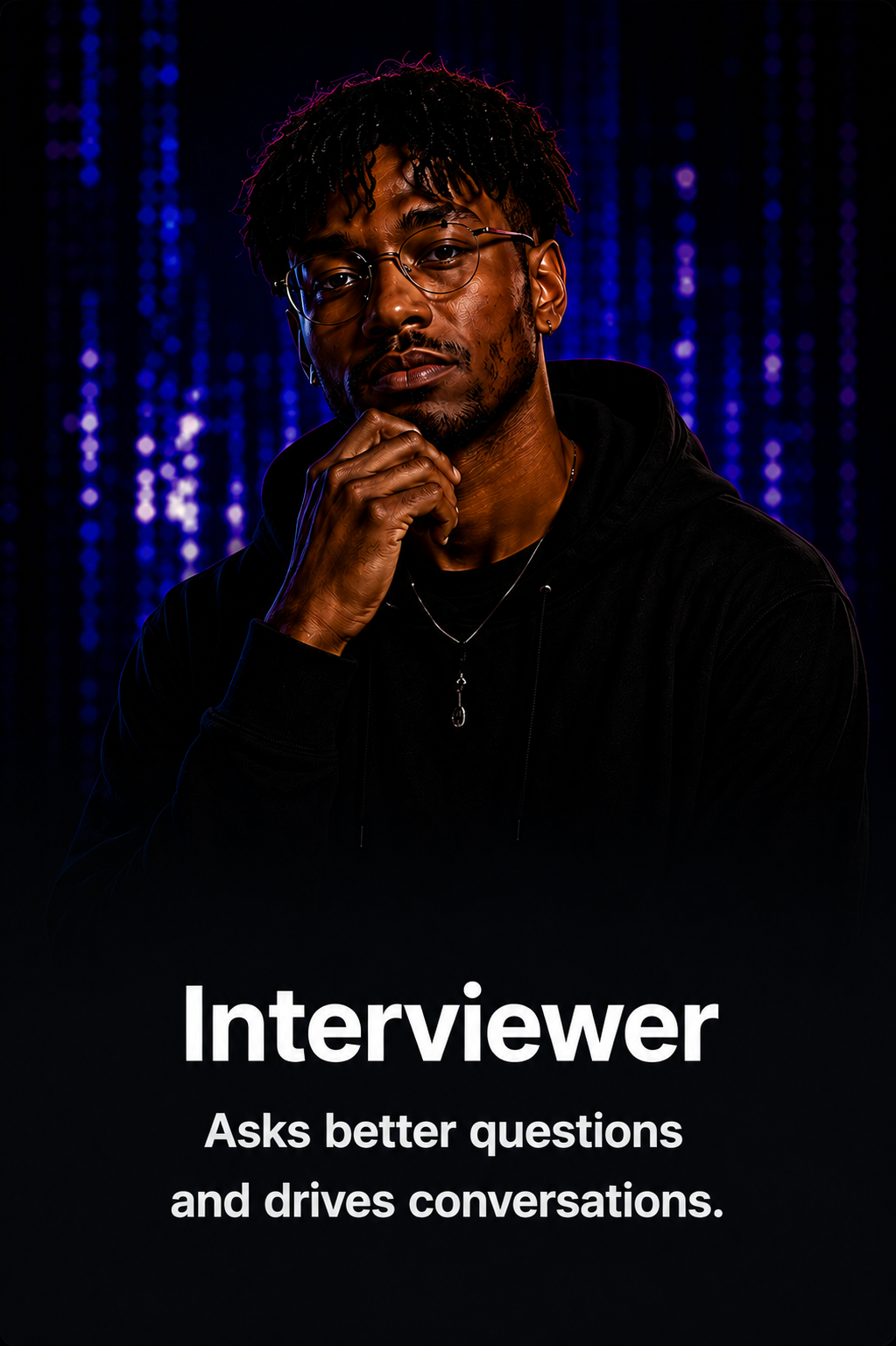
Interviewer
Asks better questions and drives conversations.
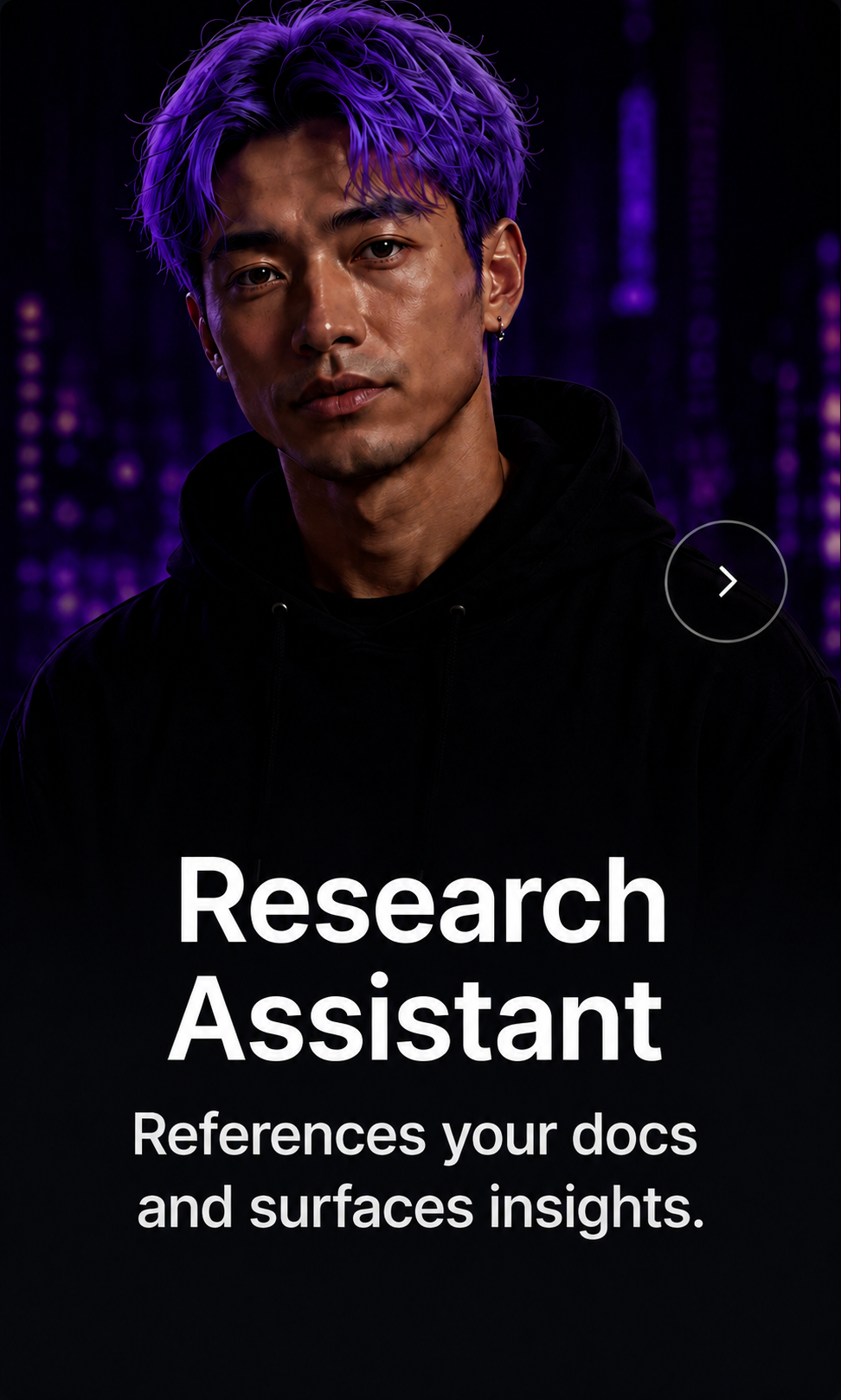
Research Assistant
References your docs and surfaces insights.
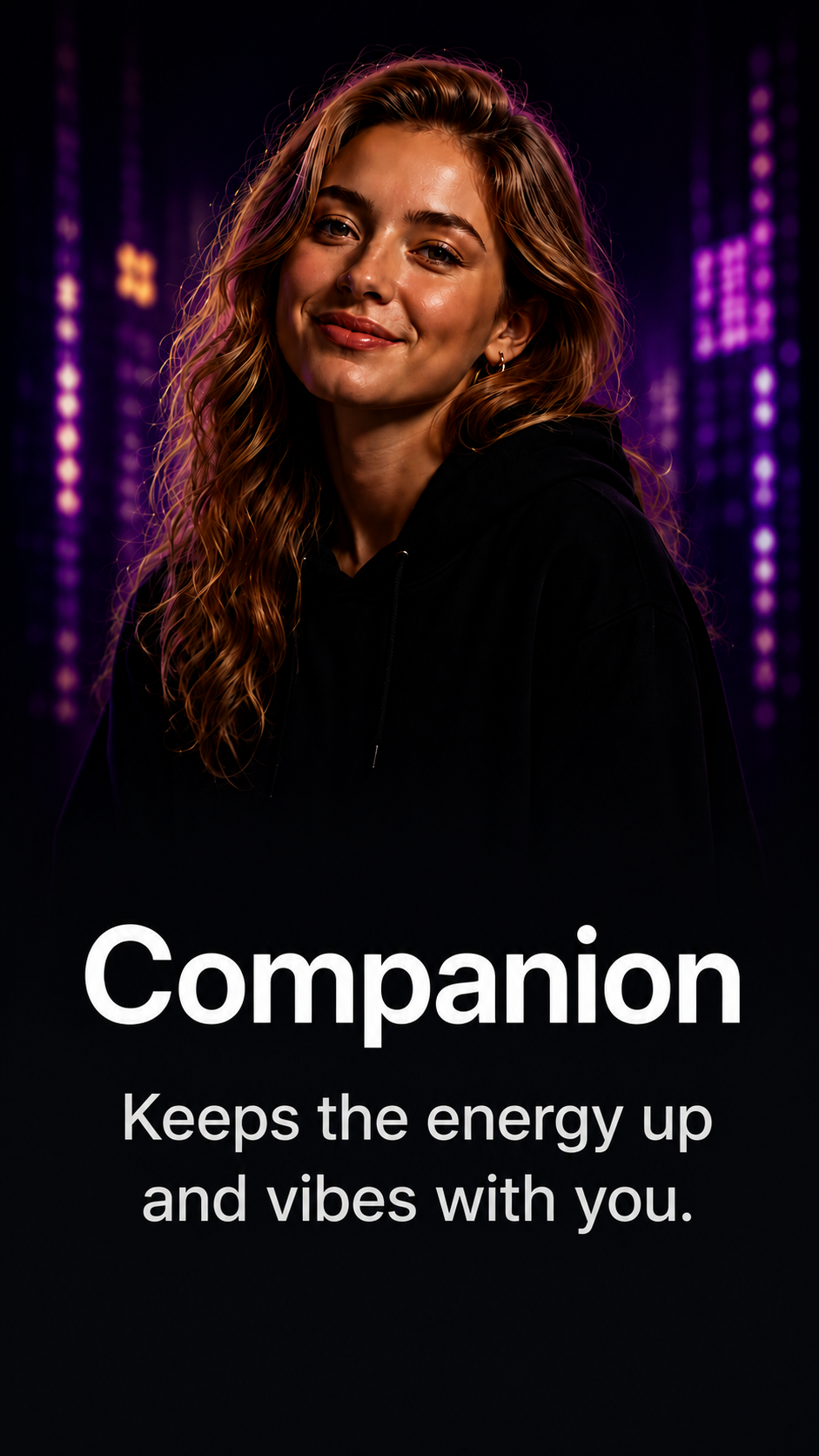
Companion
Keeps the energy up and vibes with you.
See Syns in action
where it matters.
From chat to conversation to content, Syns are part of every moment.
Syn Activity
- 01:23Answered a viewer question
- 01:39Referenced Creator Guide.pdf
- 01:18Highlighted key point
- 01:12Scheduled next segment
Coming Up
- Q&A with Chat
- Starting in 07:45
Teach your Syn what matters.
Upload your docs, notes, and resources. Your Syn turns them into real-time intelligence.
The next generation
of creators won't
stream alone.
They will stream
alongside intelligence.

The next generation
of creators won't
stream alone.
They will stream
alongside intelligence.